Provides users with access to additional pricing configurations and options beyond the standard pricing associated with a product. It enables users to implement complex pricing strategies, manage discounts, and tailor pricing structures to meet the needs of their customers and business operations.
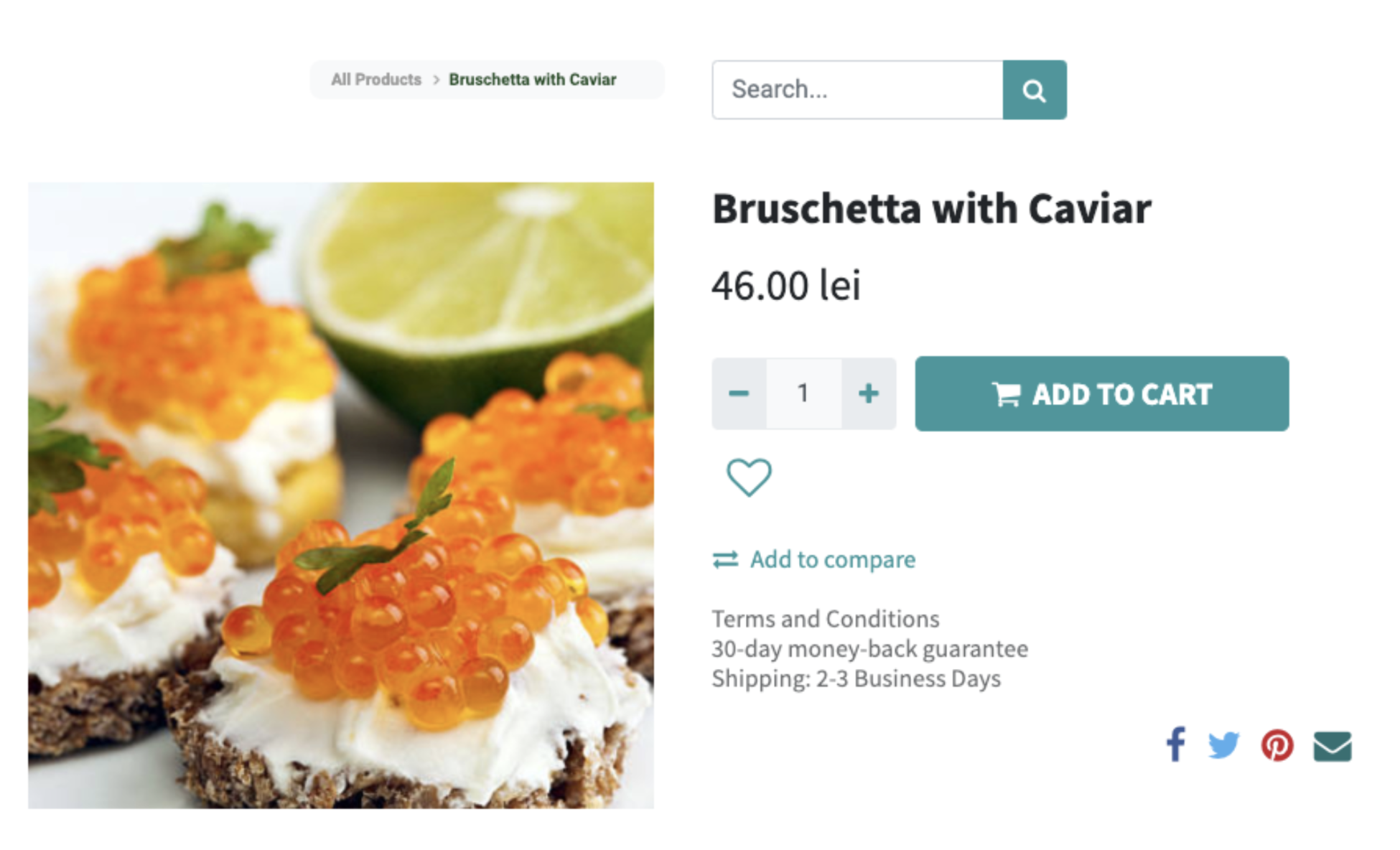
 Will show how the Product looks like at website:
 Shows the list of Product variants created for this Product Template:
 Will show how much ingredients from the Bill of Material assigned to this Product is still at stock.
 By clicking on the "Units Forecasted" button, users can access a summary or detailed view of the forecasted units for the product over a defined time horizon. This visibility enables businesses to make informed decisions about production schedules, inventory levels, and resource allocation.
 Provides users with a summary of the inventory movements related to that particular product.
 Refers to reordering rules that allow users to manage the automatic replenishment of products based on predefined rules.
 Shows existing Bills of Materials related to the current Product.
 Shows the Purchase analyses for the Products that can be purchased.
 Refers to defined and adjusted putaway rules according to their specific warehouse layout and operational requirements.
 Refers to defined and adjusted storage capacities for each product based on their specific warehouse infrastructure and operational requirements.
 Shows the Purchase analyses for the Products that can be sold.