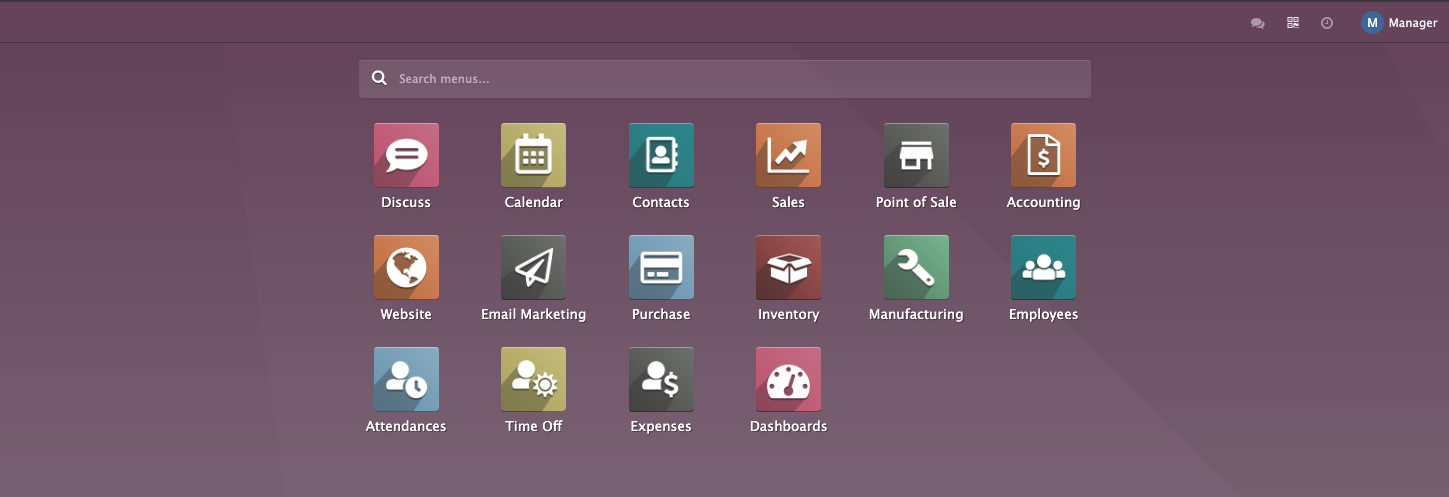
Main Dashboard

With the DeliPal guest portal you’ll build loialitate, grow revenue, and get real feedback — using tools that are simple

 
Each Application (displayed by icons) addresses a distinct aspect of business operations, such as sales, inventory management, accounting, human resources, manufacturing, and many more.


Users can configure Applications based on their specific business needs.


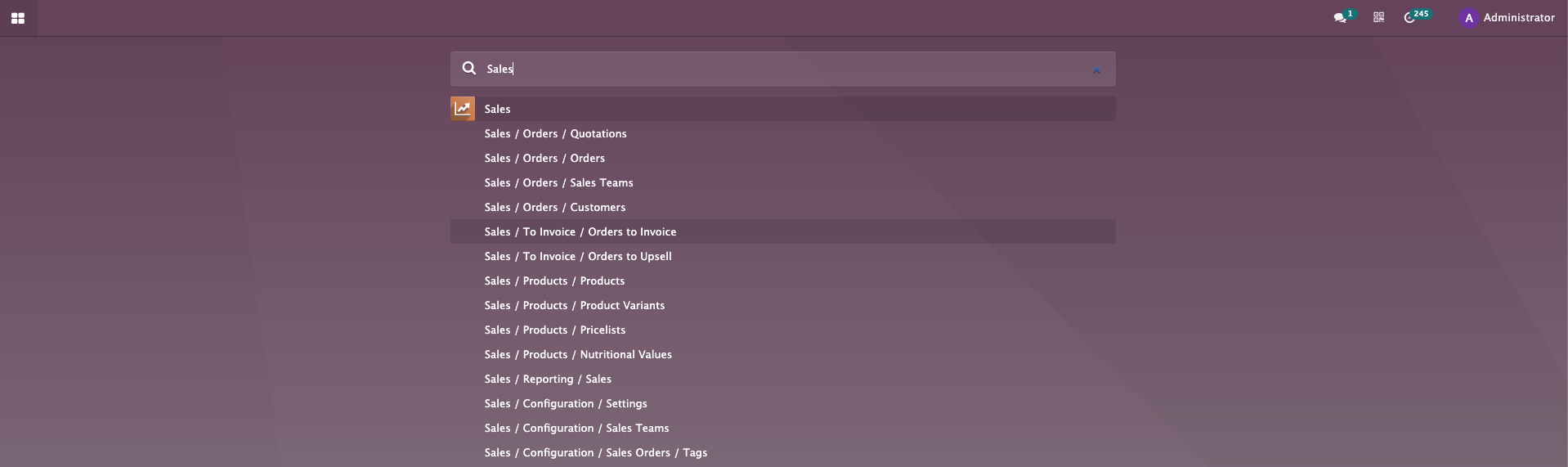
Search field will help to find an app or feature quickly:

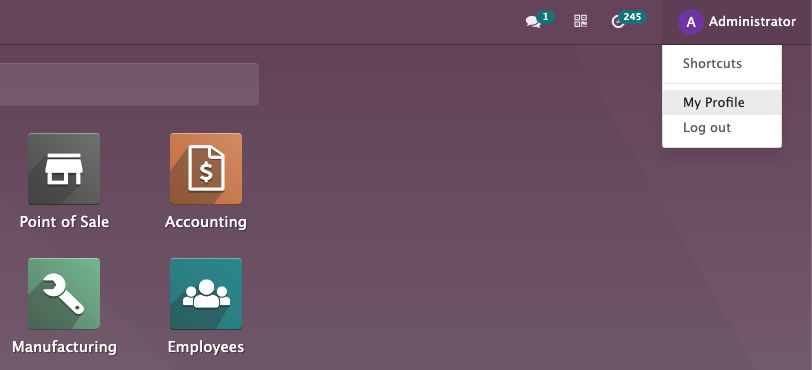
Functional icons at the top-right corner will appear depending on which apps are installed:

​The bubble icon is used for conversations. The counter shows a quantity of unread messages. We can see all of them in the Discuss app. 

The Activity icon counter indicates the number of activities we are having for the current day. By clicking on the icon, we can see which app the activity is for.

By clicking on QR-code button you can easily create a QR-code for any link.

At the top-right corner, there is a link with the user's name that opens a drop-down menu when clicked.