
Create Vendor
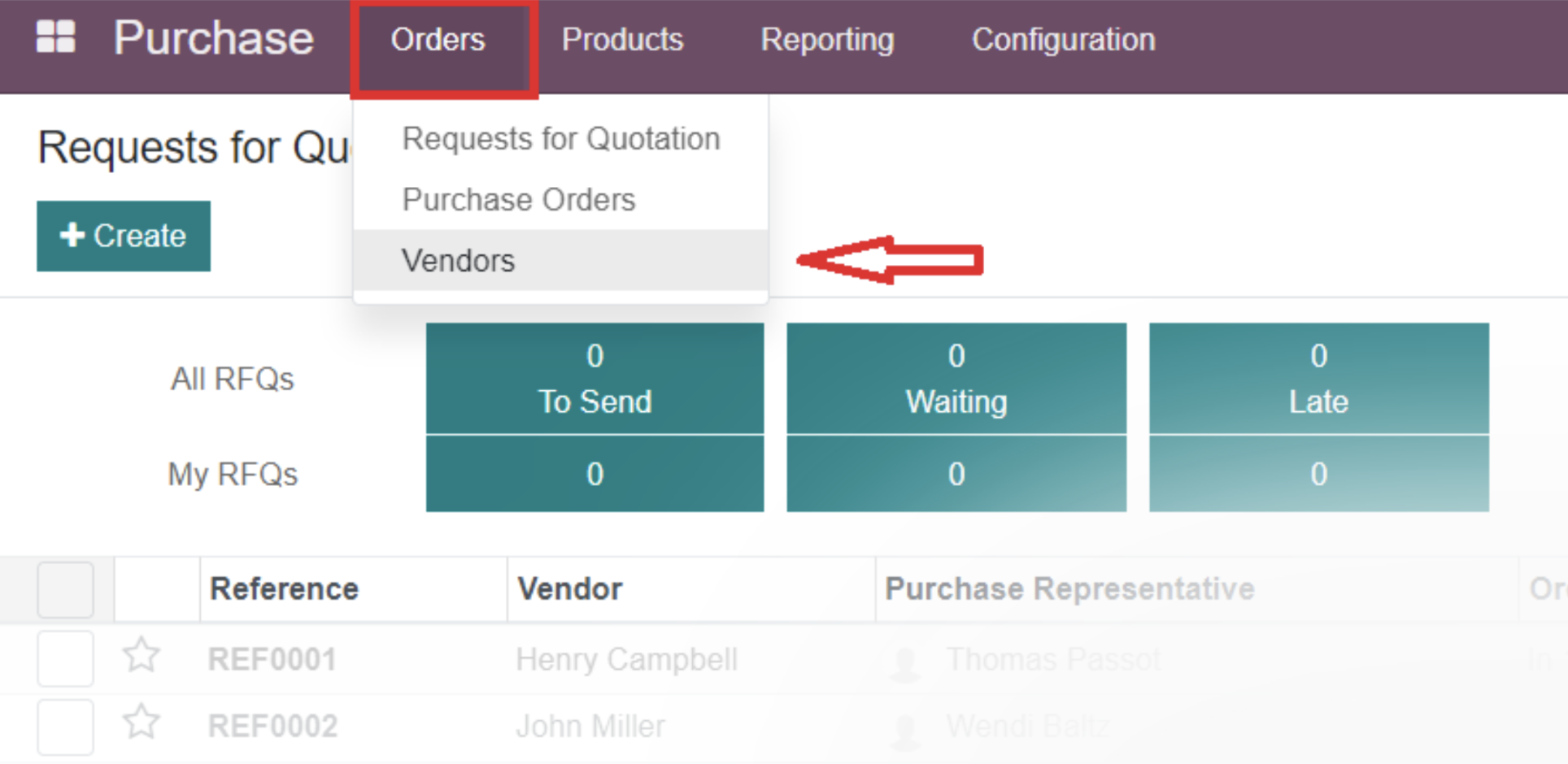
Purchase app > Orders > Vendors
View the list of existing vendors or create a new one:
The system is filtering the list of vendors to show only those associated with one or more vendor bills.
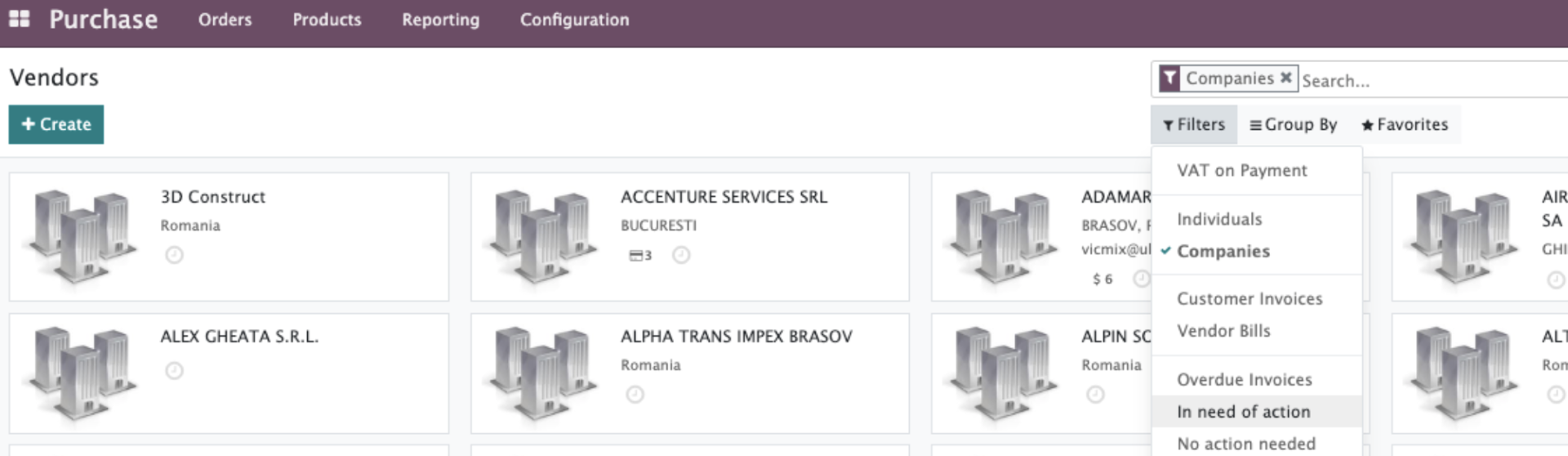
To add new vendor entries, click on the CREATE button.
Create Vendor > Input VAT > click “Save” after the info will be filled automatically:

CONTACTS & ADRESSES TAB

The contacts listed under the Contacts & Addresses tab in the vendor form of Odoo 15 are used to store additional contact details related to the vendor. These contacts may represent individuals, such as managers, employees, or key representatives, who are responsible for communication or specific roles in the business relationship.

SALE & PURCHASE TAB, INVOICING TAB - are designed for additional info about Vendor.